
How to Collect Website Content From Clients Without Endless Email Threads
A practical workflow to collect website content from clients with clear requests, owners, due dates, approval records, and fewer scattered email threads.
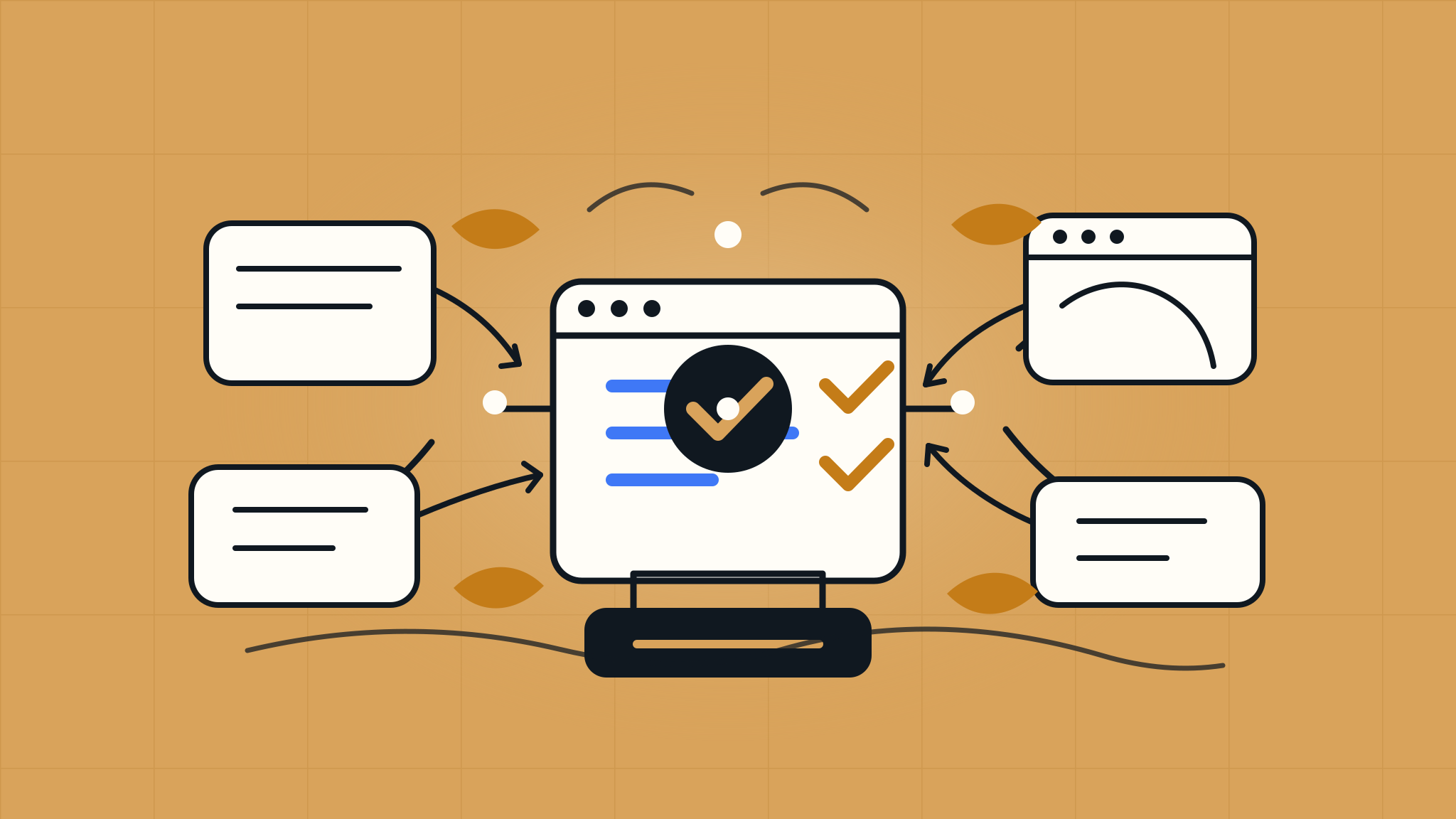
How to Collect Website Content From Clients Without Endless Email Threads
Short answer
To collect website content from clients without endless email threads, turn the sitemap into a structured request list with one owner, one due date, and one definition of done for each item. Ask for page copy, assets, URLs, approvals, and confirmations separately, then track blockers and follow up from a single launch action portal.
Why content collection becomes the slowest part of a website launch
Most agencies do not struggle to collect website content from clients because clients are trying to be difficult.
They struggle because the request is usually too vague.
"Send us the website content" sounds simple to an agency. To a client, it can mean page copy, headshots, product descriptions, service details, image permissions, brand files, legal copy, form recipients, booking links, social URLs, old page URLs, and a final decision about which pages can launch now versus later.
That is a lot of hidden work inside one friendly email.
Then the replies arrive in pieces. The CEO sends a Word doc. Marketing uploads images to a drive folder. Sales replies with a pricing correction. Legal asks whether the privacy policy is final. Someone sends a logo in a chat thread. Nobody knows whether the homepage is approved, whether the team page is still missing two bios, or whether the CTA URL is the final one.
By launch week, the agency is no longer collecting content. It is reconstructing decisions from scattered messages.
That is how content collection turns into a launch blocker.
The better approach is to treat content as part of launch readiness. Every required piece of content should have an owner, a due date, a requested format, and a clear approval status. If the content is not required for go-live, that decision should be visible too.
What does it mean to collect website content from clients?
Collecting website content from clients means gathering the approved copy, media, links, files, decisions, and confirmations the agency needs to design, build, QA, and launch the site.
It is broader than asking for words and images. A complete content collection process may include:
- Page copy for homepage, service, product, about, location, and landing pages
- Brand assets such as logos, colors, fonts, and usage guidance
- Photos, illustrations, videos, PDFs, downloads, and image permissions
- Team bios, credentials, headshots, locations, pricing, and offer details
- External links, social profile URLs, booking links, and CTA destinations
- Old site URLs that need redirects or content migration decisions
- Legal, privacy, disclaimer, accessibility, or regulated content review
- Form recipients, autoresponder copy, and lead-routing confirmations
- Final approval or permission to defer content to post-launch
The agency does not need all of that in one request. In fact, asking for it all at once is one reason clients stall.
The goal is to break the work into specific client launch tasks.
Why email threads fail for website content collection
Email can start a conversation, but it is weak as a content collection system.
The problem is not that email is bad. The problem is that website launch content needs structure, ownership, version clarity, and approval history. Email does not naturally give you those things.
| What the agency needs | What usually happens in email |
|---|---|
| One source of truth | Files and comments spread across threads, drives, chats, and calls |
| Clear ownership | Several stakeholders reply, but nobody owns the final answer |
| Current version | Multiple docs, links, and attachments compete with each other |
| Due dates by item | One general deadline hides page-level urgency |
| Approval status | "Looks good" may refer to one page, one asset, or the whole site |
| Blocker visibility | Missing content is discovered when the agency needs it most |
Email also makes clients do unnecessary interpretation. If the request says, "Please send copy for the services page," the client still has to decide how long it should be, which services are included, whether proof points are needed, who approves claims, and where to put the file.
A better content request answers those questions before the client asks them.
What website content should agencies collect before launch?
Use the sitemap as the starting point. Each page should have its own content requirements, even if some pages share the same client owner.
| Content area | What to request | Definition of done |
|---|---|---|
| Homepage | Hero message, proof points, primary CTA, secondary CTA, key sections | Copy approved by decision owner and CTA links confirmed |
| Service pages | Service descriptions, differentiators, FAQs, examples, claims | Claims approved and page owner confirms accuracy |
| About page | Company story, leadership info, team bios, headshots | Bios, names, titles, and image permissions confirmed |
| Case studies | Client name, problem, result, quote, logo, image permission | Permission confirmed and sensitive details approved |
| Contact page | Address, phone, email, hours, map link, form fields | Contact details and form recipient confirmed |
| Downloads | PDFs, brochures, lead magnets, gated assets | Final file uploaded and destination link confirmed |
| Legal pages | Privacy policy, terms, disclaimers, cookie language | Client or legal owner approves publish-ready version |
| SEO migration | Old URLs, priority pages, page titles, redirects | Redirect decisions approved and launch-critical URLs mapped |
| Conversion paths | Booking links, demo links, payment links, CRM routing | Test submission reaches the correct destination |
This table can become the first draft of your content collection checklist. The important part is not the exact columns. The important part is that every request has enough context for a busy client to act without searching through old messages.
How to collect website content from clients without endless email threads
Use this workflow when content is starting to slow down a website launch or when you want to prevent that from happening in the first place.
1. Turn the sitemap into a request map
Start with the pages and launch paths, not with a generic content wish list.
For each page, ask:
- What copy is needed?
- What files or images are needed?
- What links or URLs must be confirmed?
- What claims or details need approval?
- Who can provide or approve this page?
- Is this required for launch or can it move to post-launch?
This turns "content" into visible work. It also helps the client understand that the team page, service page, homepage, and legal page are not the same type of request.
If you already use a website launch checklist for agencies, add content requests to the same readiness process instead of treating them as a separate side quest.
2. Write each request as a deliverable or decision
Weak request:
Send over content for the About page.
Better request:
Please provide approved About page copy of 300 to 500 words, including company origin, who you serve, and one sentence about why clients choose you. If the current draft is approved, reply approved by Thursday at 2 p.m.
The better version tells the client what to do, what good looks like, and when the agency needs it.
Good content requests usually include:
- The page or component
- The exact item needed
- The preferred format
- The owner or approver
- The due date
- The launch impact
- The definition of done
You are not trying to make the request longer. You are trying to remove guesswork.
3. Separate copy, assets, links, and confirmations
Clients often stall because one request combines several types of work.
"Send homepage content" may include writing copy, choosing a hero image, approving the CTA, finding a partner logo, confirming a booking link, and asking leadership whether a claim is allowed.
Split those into separate items:
- Homepage hero copy
- Hero image or approved image direction
- Primary CTA label
- Primary CTA destination URL
- Partner logo permission
- Proof point or metric approval
Now the agency can see what is actually missing. If the copy is ready but the CTA URL is not, the content status should not be "waiting on homepage." It should be "CTA URL missing."
This is also kinder to clients. They can complete small items faster and delegate the rest.
4. Assign a Client Lead when the real owner is unclear
"Client" is not an owner.
Sometimes the agency knows the exact person who can complete the request. For example, the marketing director can approve service copy, the sales lead can confirm offer language, and the operations manager can confirm location details.
Other times, the agency does not know who inside the client organization owns the work. In that case, assign the request to a Client Lead.
The Client Lead is the person on the client side who can route requests internally, collect answers, and keep the agency from chasing five stakeholders at once.
For example:
| Vague owner | Better owner |
|---|---|
| Client | Maya, Client Lead |
| Leadership | Dana, final approver |
| Marketing | Jonah, marketing director |
| Sales | Priya, sales lead |
| Legal | Maya to route to legal contact |
This matters because content delays are often delegation delays. The request is not hard, but nobody knows who is supposed to answer it.
5. Ask for URLs and external links explicitly
Website content collection is not only about files.
Agencies also need links and confirmations that shape the actual launch:
- Social profile URLs
- Booking links
- Careers links
- Map links
- Review profile links
- Menu or ordering links
- Client portal links
- Download URLs
- Old site URLs that should redirect
- Partner, vendor, or association URLs
- Primary CTA destinations
Do not bury these inside a copy request. Ask for them directly.
A better request is:
Please confirm the final destination URL for the homepage "Book a Consultation" button by Wednesday at noon. If the current Calendly link should stay, reply approved.
That gives the client a simple decision and gives the agency launch evidence.
6. Use safe access paths for anything behind a login
Some content requests touch systems the agency cannot access yet, such as a private media library, a domain account, a CRM, a CMS, analytics, or a booking platform.
Do not ask clients to paste passwords, API keys, recovery codes, private tokens, SSH keys, payment credentials, or other secrets into a content request, email thread, spreadsheet, project comment, or Shipperly.
Safer options include:
- Invite the agency as a user
- Create a temporary user account with only the access needed
- Use a secure password manager if credential sharing is truly necessary
- Ask the client's IT or admin contact to complete the action directly
- Share only non-sensitive links, screenshots, or confirmations in the launch task
For content collection, the request should track the action, not the secret.
Example:
Please invite the agency as an editor in the CMS media library, or have your admin upload the approved team headshots to the shared folder by Thursday at 3 p.m.
That keeps the launch moving without turning the content workflow into unsafe credential handling.
7. Track approval beside the content
Collected content is not always approved content.
An agency may have a draft, but the client still needs to confirm it is accurate. A stakeholder may upload a bio, but leadership may still need to approve titles. A product page may have copy, but legal may still need to review a claim.
For launch readiness, track approval status separately:
- Needed
- Submitted
- Changes requested
- Approved
- Approved with exceptions
- Deferred to post-launch
- Blocked
This prevents a common launch-week surprise: the agency thinks the content is done because it exists, while the client thinks it is still under review.
When a page is approved, record what was approved, who approved it, and when. For final launch approval, Shipperly can record the operational approval decision and known exceptions. It does not replace a legal e-signature tool when a formal signature is required.
8. Follow up by launch impact, not by irritation level
Client follow-up works better when it explains the launch consequence.
Weak follow-up:
Just checking in on the content.
Better follow-up:
The homepage CTA URL and two team bios are still open. The CTA URL blocks final QA for the homepage. The missing bios can move to post-launch if you approve that change by Thursday at 2 p.m.
The second message is calmer and more useful. It tells the client what matters now, what can wait, and what decision is needed.
If you need a broader follow-up workflow, pair this process with a clear approach for client-owned launch tasks. Content is often the biggest category of client-owned work near go-live.
Website content collection checklist for agencies
Use this checklist before design, before development handoff, and again before final launch approval.
| Item | Owner | Due date | Required for launch? | Status |
|---|---|---|---|---|
| Sitemap or page list approved | Client Lead | Yes | ||
| Homepage copy approved | Marketing owner | Yes | ||
| Primary CTA links confirmed | Marketing or sales owner | Yes | ||
| Service or product page details approved | Subject matter owner | Yes | ||
| Team bios and headshots supplied | Client Lead | Maybe | ||
| Logo files and brand assets supplied | Marketing owner | Yes | ||
| Image permissions confirmed | Client Lead | Yes if used at launch | ||
| Case study permissions approved | Account or legal owner | If launching case studies | ||
| Contact details confirmed | Operations owner | Yes | ||
| Form recipients confirmed | Sales or ops owner | Yes | ||
| Booking, social, careers, and external URLs confirmed | Client Lead | If linked at launch | ||
| Privacy, terms, and policy pages approved | Client sponsor or legal owner | Usually yes | ||
| Old URLs and redirect decisions approved | Agency SEO lead and client owner | For redesigns | ||
| Missing content marked as blocker or post-launch | Agency PM and Client Lead | Yes | ||
| Final page approval recorded | Final approver | Yes |
The point of the checklist is not to create more admin work. The point is to prevent the agency from discovering missing content when the site is otherwise ready to launch.
A simple content request template
Use this format when asking for page-level content.
| Field | Example |
|---|---|
| Page or component | Homepage hero section |
| Request | Approve or edit the headline, subheading, and primary CTA |
| Why it matters | Blocks homepage QA and final launch approval |
| Owner | Maya, Client Lead |
| Due date | Wednesday at 2 p.m. |
| Format | Comment directly on the preview link or reply "approved" |
| Definition of done | Agency has approved text and final CTA URL |
| If not ready | Decide whether to use current draft or delay homepage approval |
Here is the message version:
Please approve or edit the homepage hero headline, subheading, and primary CTA by Wednesday at 2 p.m. We need this before final homepage QA. If the current text is approved, reply "approved" and confirm the final CTA URL. If it is not ready, please tell us whether to use the current draft for launch or mark the homepage as blocked.
That request gives the client a clear path even if they are busy.
Common mistakes when collecting website content from clients
Mistake 1: Asking for "all content" at once
Large requests feel efficient to the agency but overwhelming to the client. Break the work into page-level requests with clear owners and due dates.
Mistake 2: Collecting files without approval
A file in a folder is not the same as approved launch content. Track whether the content is submitted, approved, rejected, or deferred.
Mistake 3: Letting content live in too many places
If copy is in email, images are in a drive, feedback is in a call recording, and approvals are in chat, the agency has no reliable source of truth. Keep the request list, status, and approval evidence together.
Mistake 4: Forgetting links and confirmations
Many launch problems come from missing URLs, wrong form recipients, outdated phone numbers, unapproved claims, and unclear image permissions. These are content tasks too.
Mistake 5: Waiting until launch week to identify blockers
Missing content should be visible before it becomes urgent. Review the request list at least a few business days before final approval so the agency can separate true launch blockers from post-launch polish.
How Shipperly helps agencies collect website content from clients
Shipperly is an AI launch coordinator for website agencies. It helps agencies keep client-side website launch work moving by organizing launch requests, assigning ownership, detecting risk, surfacing blockers, drafting follow-ups for agency review, and recording final launch approval.
For content collection, agencies can use Shipperly to:
- Turn a sitemap into assigned client launch requests
- Route unclear requests to a Client Lead for delegation
- Give clients magic-link access to a focused launch action portal
- Track page copy, assets, URLs, confirmations, and approvals separately
- Surface overdue, unassigned, and blocked content requests
- Review the AI Launch Brief before status calls
- Draft client follow-ups that the agency reviews before sending
- Keep final launch approval tied to the content that was actually approved
Shipperly is not a generic project management tool, file storage system, credential vault, legal e-signature tool, or autonomous AI email sender. Its job is narrower: help agencies make client-owned launch work visible enough to act on.
That is useful for content because content delays rarely come from one missing file. They come from unclear ownership, scattered messages, and decisions nobody recorded.
FAQ
What is the best way to collect website content from clients?
The best way to collect website content from clients is to use a structured request list based on the sitemap. Each request should name the page, item needed, owner, due date, format, launch impact, and definition of done. This gives the client a clear action and gives the agency a reliable status.
When should an agency start collecting website content?
Start collecting content during discovery or immediately after the sitemap is approved. Do not wait until the design is finished. Early collection helps the agency identify missing owners, legal review, image permissions, URL decisions, and content gaps before they become launch blockers.
What website content should clients provide before launch?
Clients should provide or approve launch-critical page copy, images, brand assets, team information, service details, contact details, legal pages, CTA URLs, form recipients, old URL decisions, and any claims or permissions needed for launch. Non-critical content can move to post-launch if the client approves that decision.
How do you follow up when a client has not sent website content?
Follow up with the specific missing item, owner, deadline, and launch consequence. Instead of saying "checking in on content," say which page or link is blocked, what decision is needed, and whether the item can move to post-launch with approval.
Should clients send passwords when agencies need content from private systems?
No. Clients should not paste passwords, API keys, recovery codes, private tokens, SSH keys, payment credentials, or other secrets into Shipperly, email, spreadsheets, or task comments. Use safer access paths such as user invitations, temporary accounts, secure password manager sharing, or having the client's admin complete the action directly.
Collect content before it becomes a launch blocker
The best time to fix content collection is before the agency is waiting on one missing bio, one final URL, and one unclear approval decision with a launch window already booked.
When every content request has an owner, a due date, a definition of done, and a visible approval status, the agency can manage launch readiness instead of chasing scattered threads.
Shipperly helps website agencies organize that client-side work in one place: content requests, owners, blockers, reviewed follow-up drafts, and final approval records. Use it to make the last stretch of your next website launch feel less like inbox archaeology and more like a clear path to go-live.
Related articles
More launch-readiness guidance for agencies.

The Agency Guide to Launch Blockers: What They Are and How to Resolve Them
A practical guide to website launch blockers for agencies, including how to identify, prioritize, assign, resolve, and communicate blockers before go-live.
Read article
How to Manage Client-Owned Tasks During a Website Launch
A practical workflow for managing client-owned tasks during a website launch so agencies can assign ownership, surface blockers, follow up clearly, and keep go-live on track.
Read article
Website Launch Readiness: How to Know If a Site Is Actually Ready to Go Live
A practical website launch readiness checklist for agencies that need to know whether a site is truly ready to go live, not just nearly complete.
Read article